
Enhanced Alert Notification Addon
Enhanced Alert Notification: Addon provides a customized notification view for your cs-cart store as compared to the default
The Enhanced Alert Notification add-on for CS-Cart replaces the platform's default store notifications with a redesigned, more readable notification view. It shows customers clear pop-up alerts for events like order placement, applied promotions, and profile or account changes, so important updates are harder to miss. The goal is a more user-friendly and visually consistent notification experience across the store. It is aimed at CS-Cart store owners who want their notifications to look more polished and to give shoppers clearer feedback when they take actions on the site.

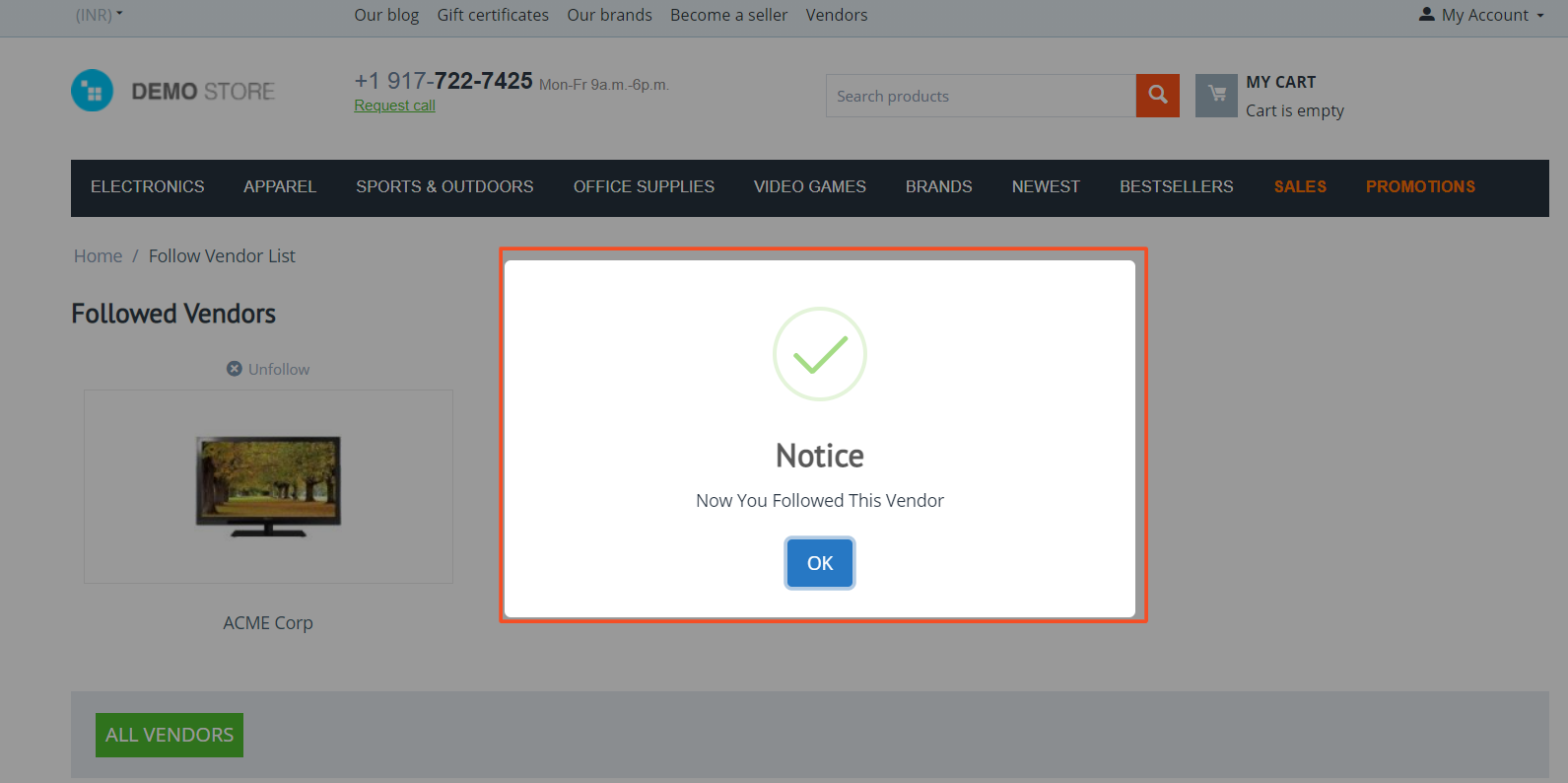
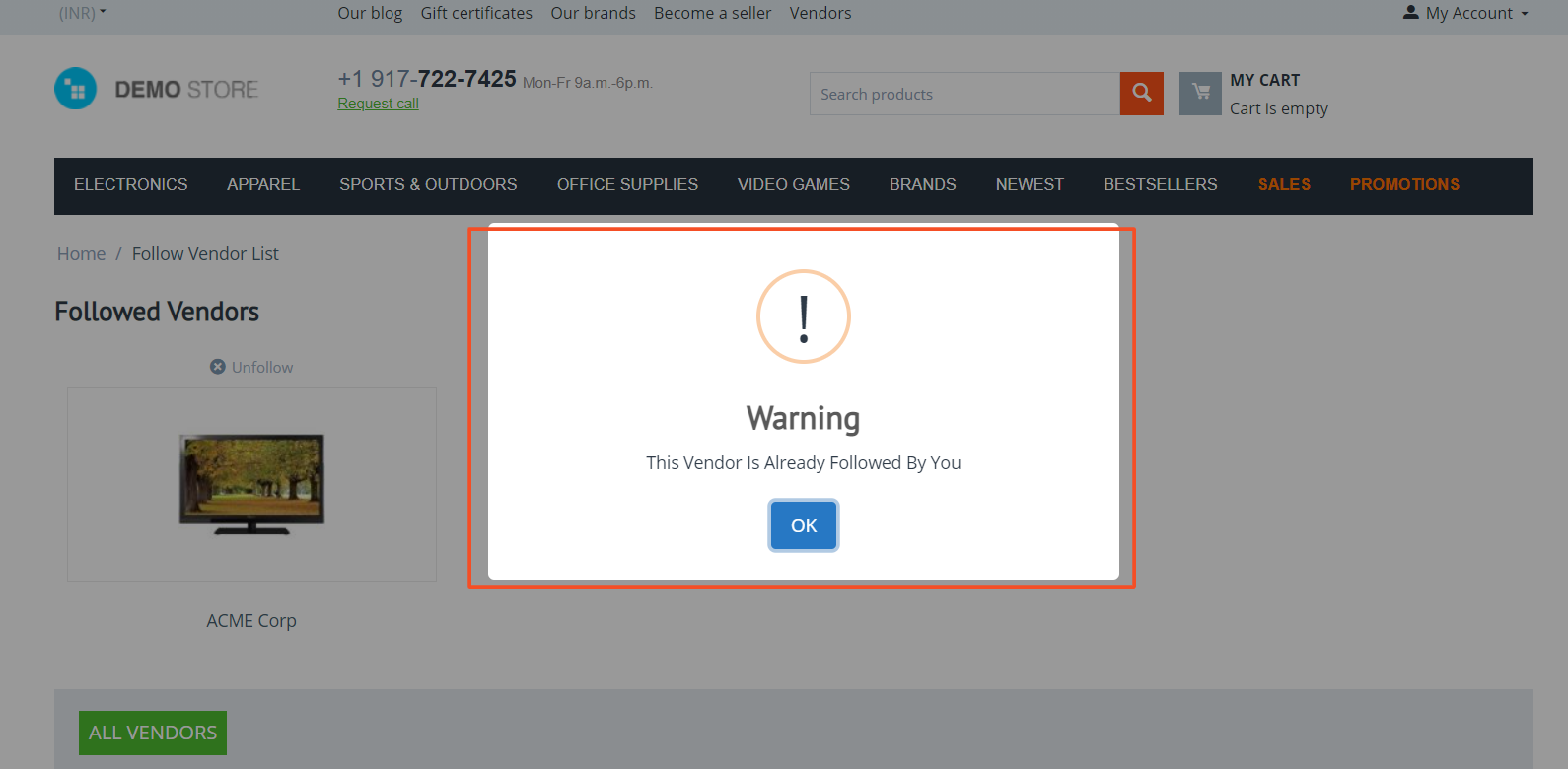
Enhanced Alert Notification addon for CS-Cart provides a customized and improved notification view for the store, replacing the default CS-Cart notifications with a more user-friendly and visually appealing design. This addon totally changes the view of your store notifications. The new customized view may attract your users of stores, they get proper notification pop-up which feels like they should be notified after an order is placed or any modification they do with their accounts.
Features:
- Improved notification view: Changes the notification style to more attractive and user-friendly design.
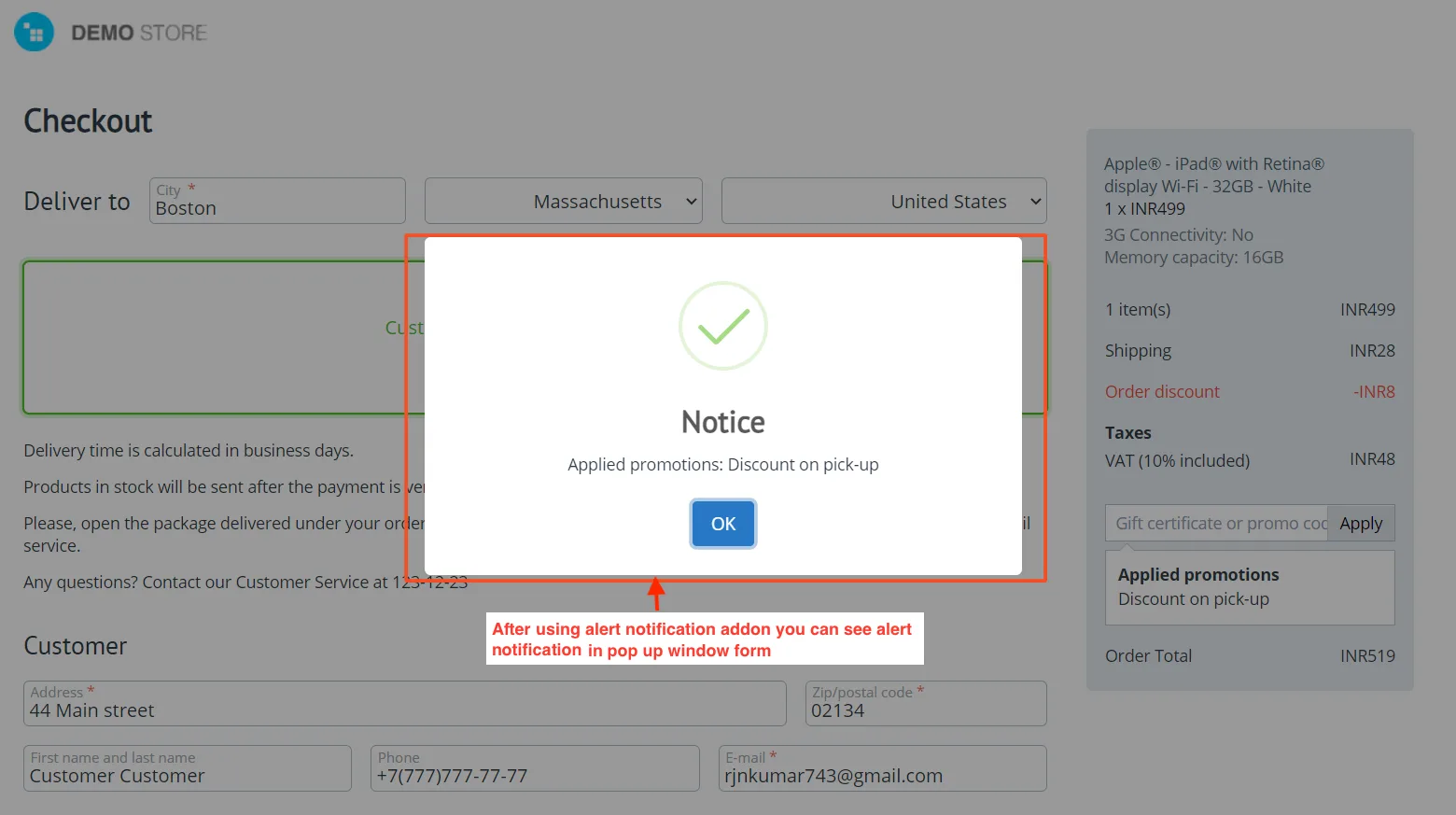
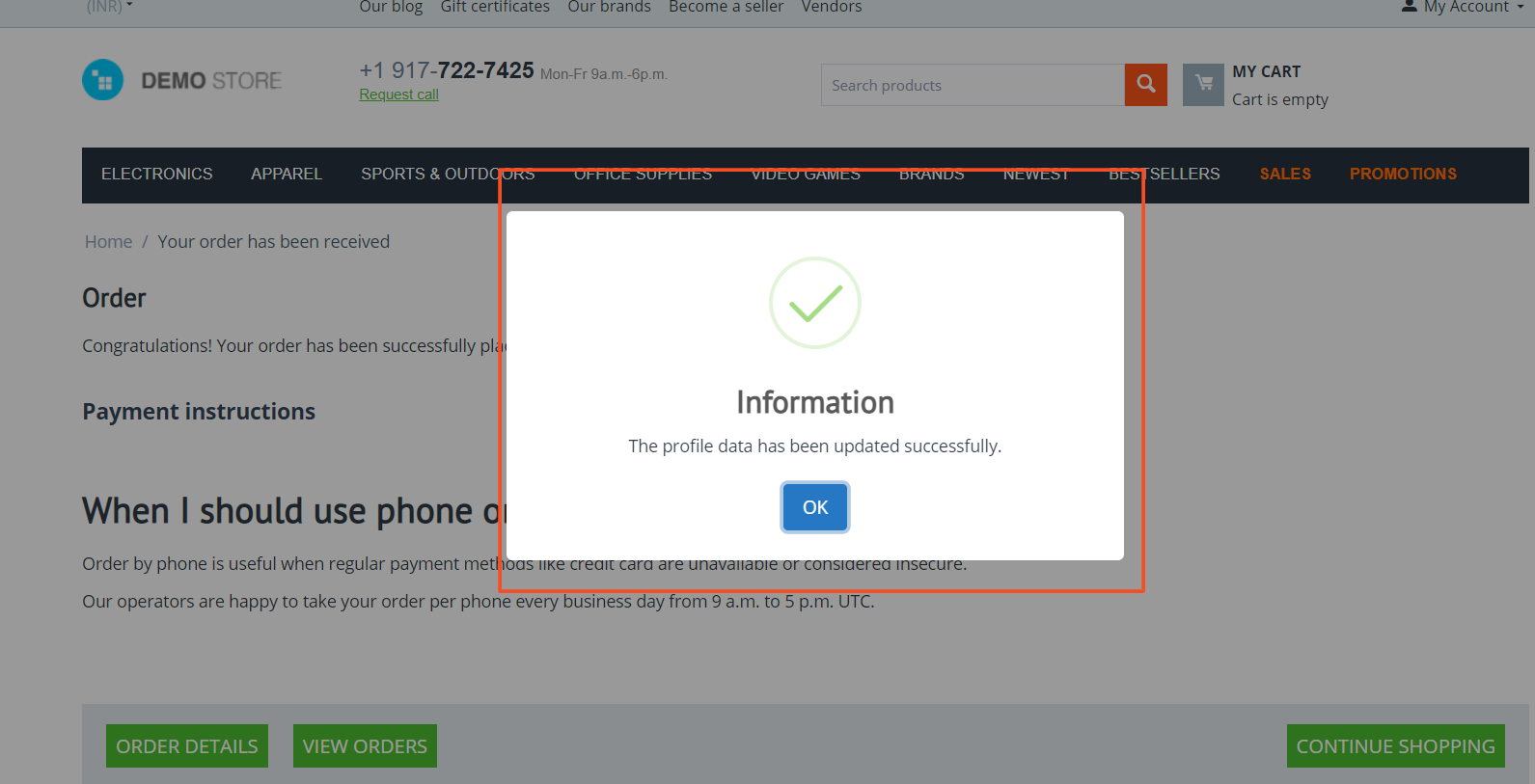
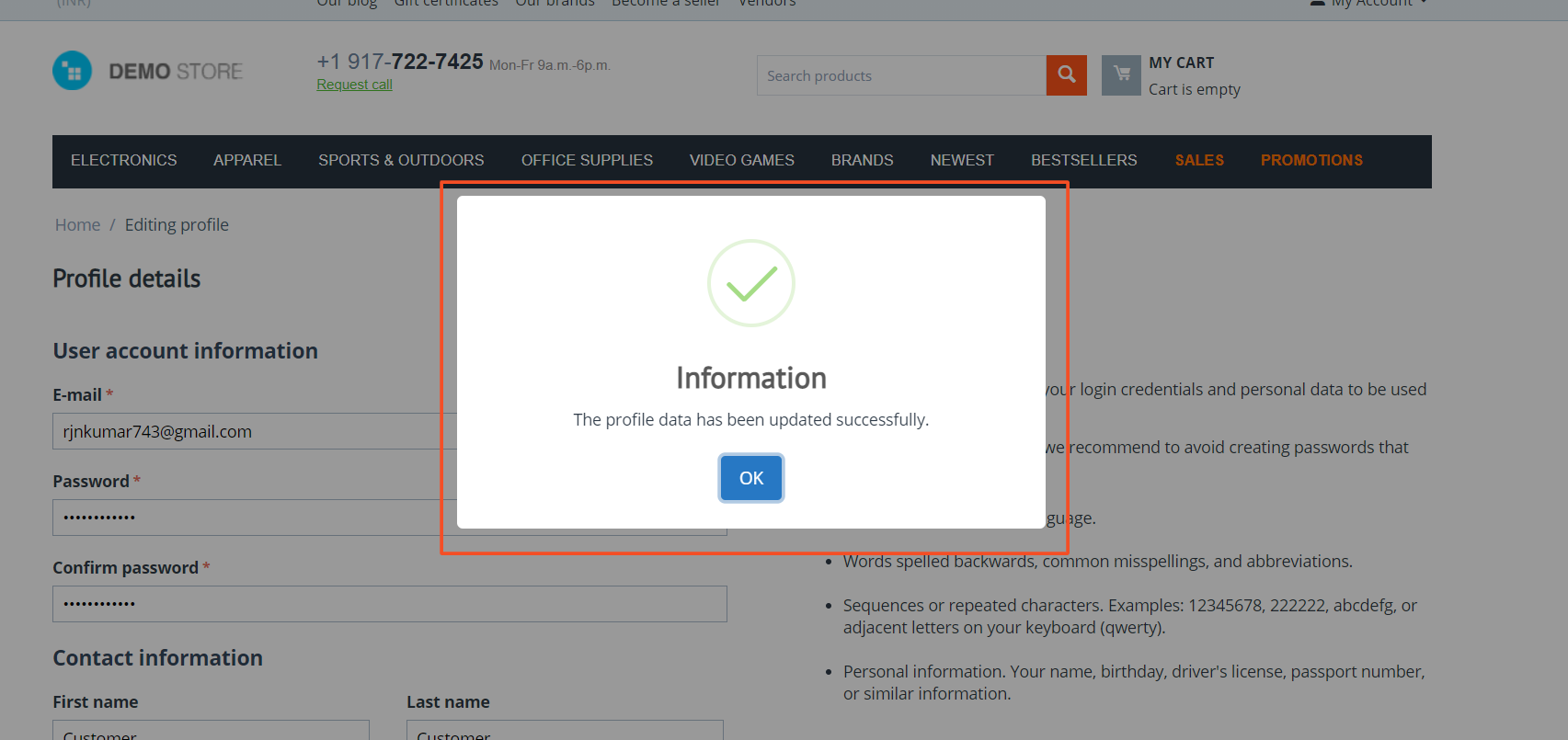
- Custom Pop-Up Alerts: Users get clear pop-up notifications for important updates like order placement, account changes, and more.
- Instant Alerts – Keeps users informed in real time whenever they take any action on your store.
- Better User Experience: Makes notifications more engaging ensuring customers don’t miss important messages.
- CS-Cart Support info: The addon is well integrated with CS-Cart Multi-Vendor and can be used with its standard, Plus, and Ultimate Versions.
Installation:
How to install addon
https://store.ecarter.co/blogs/how-to-install-addon/
How to work addon
- Here you see the Alert notifications such as applied promotion, updated profile, order placed, and more looks before using this addon.
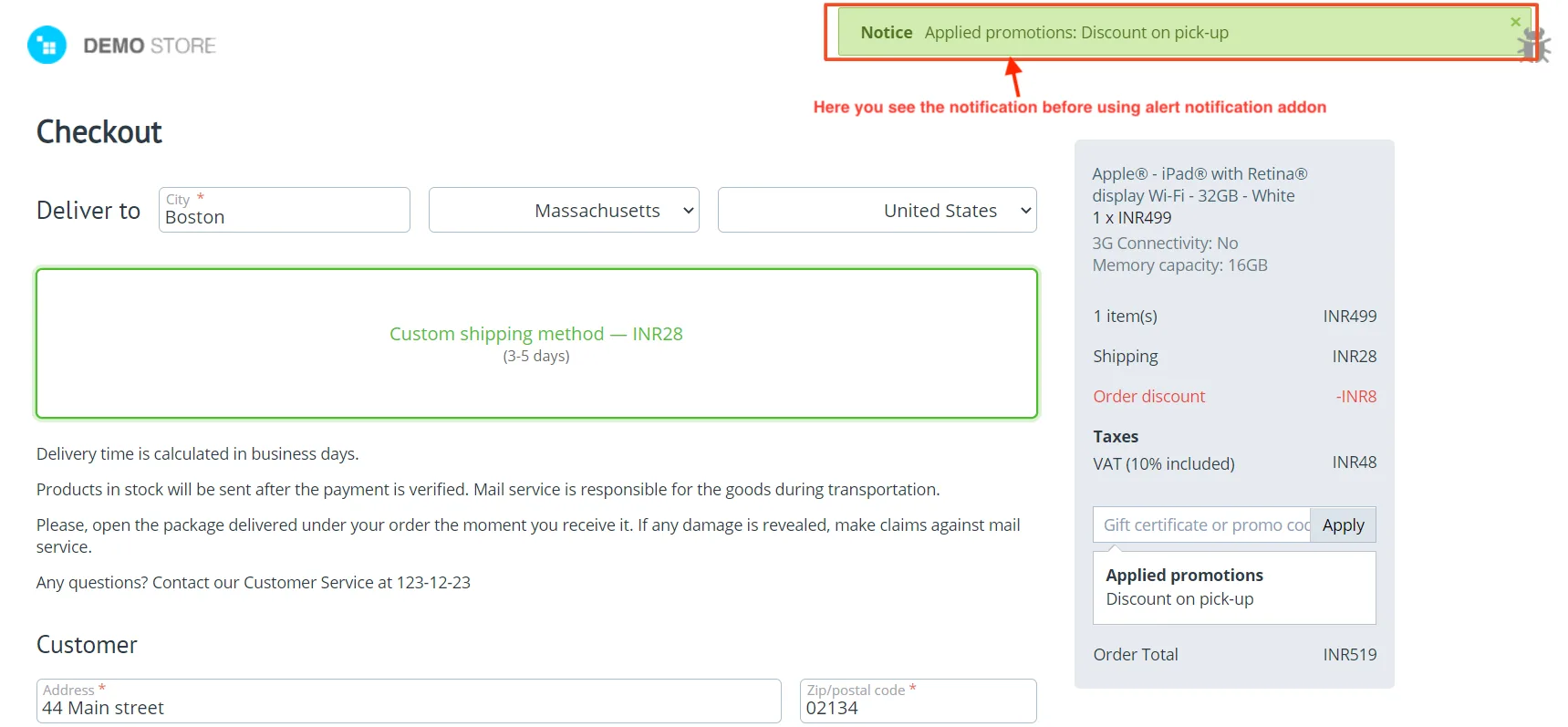
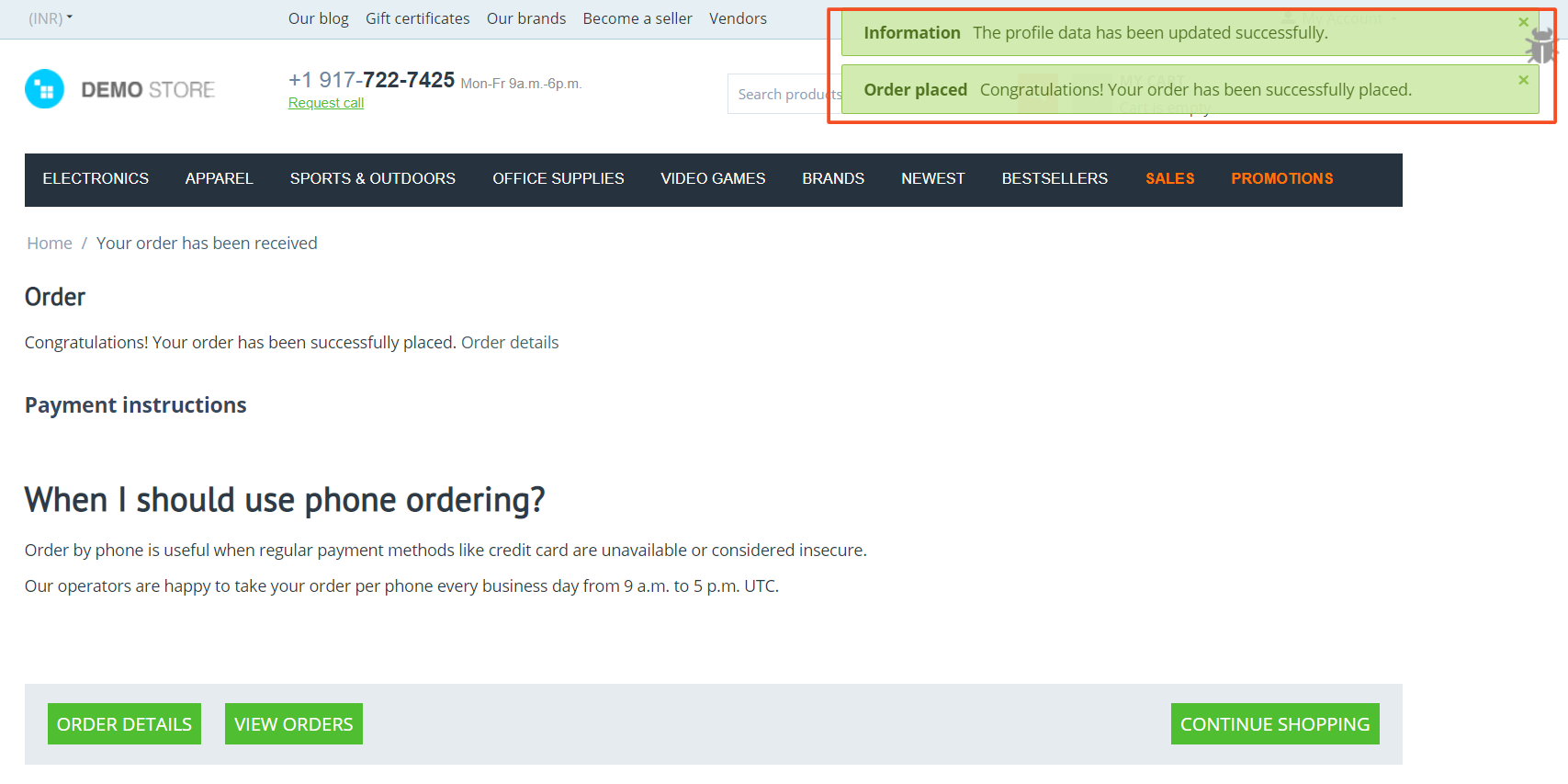
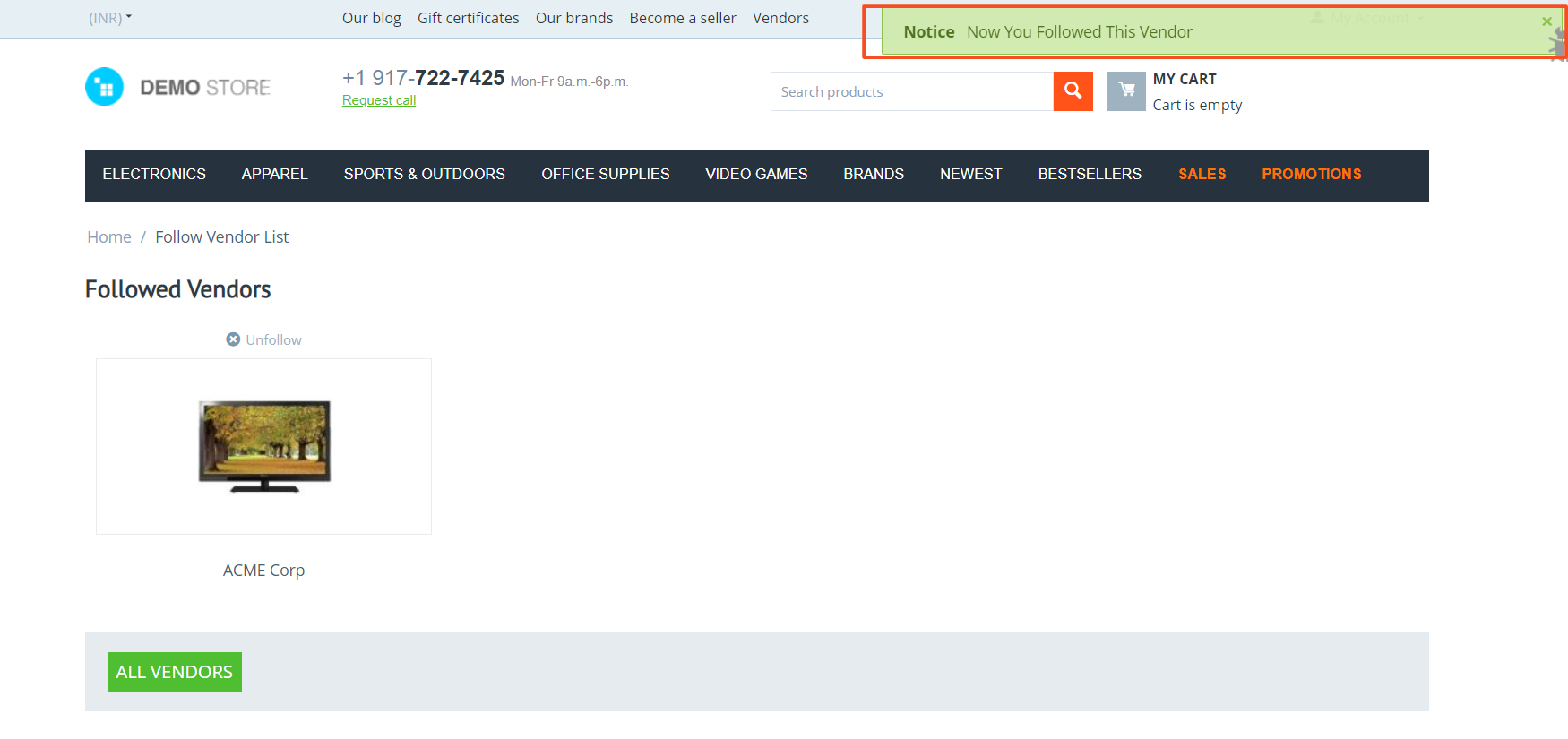
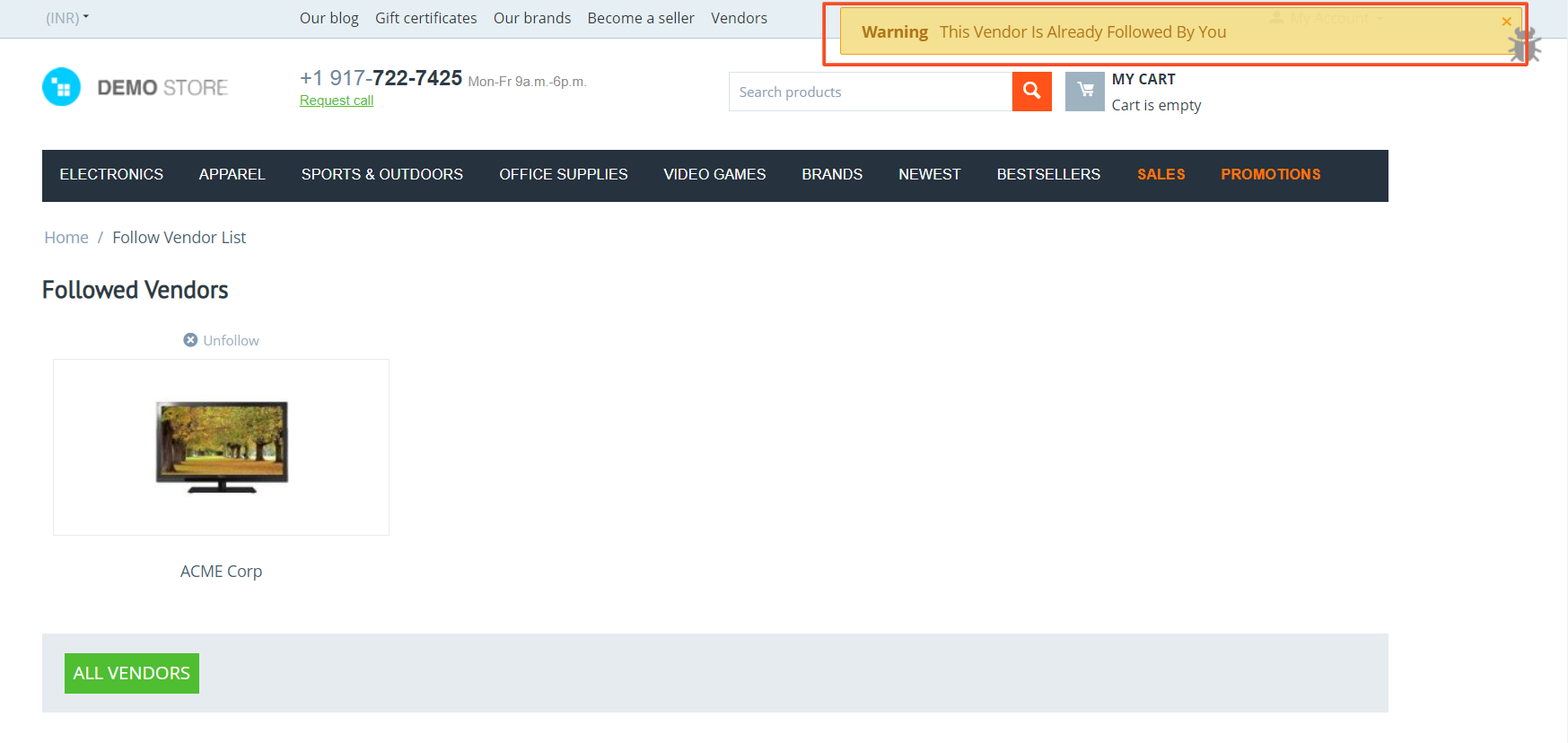
After Using This Addon Looks like-
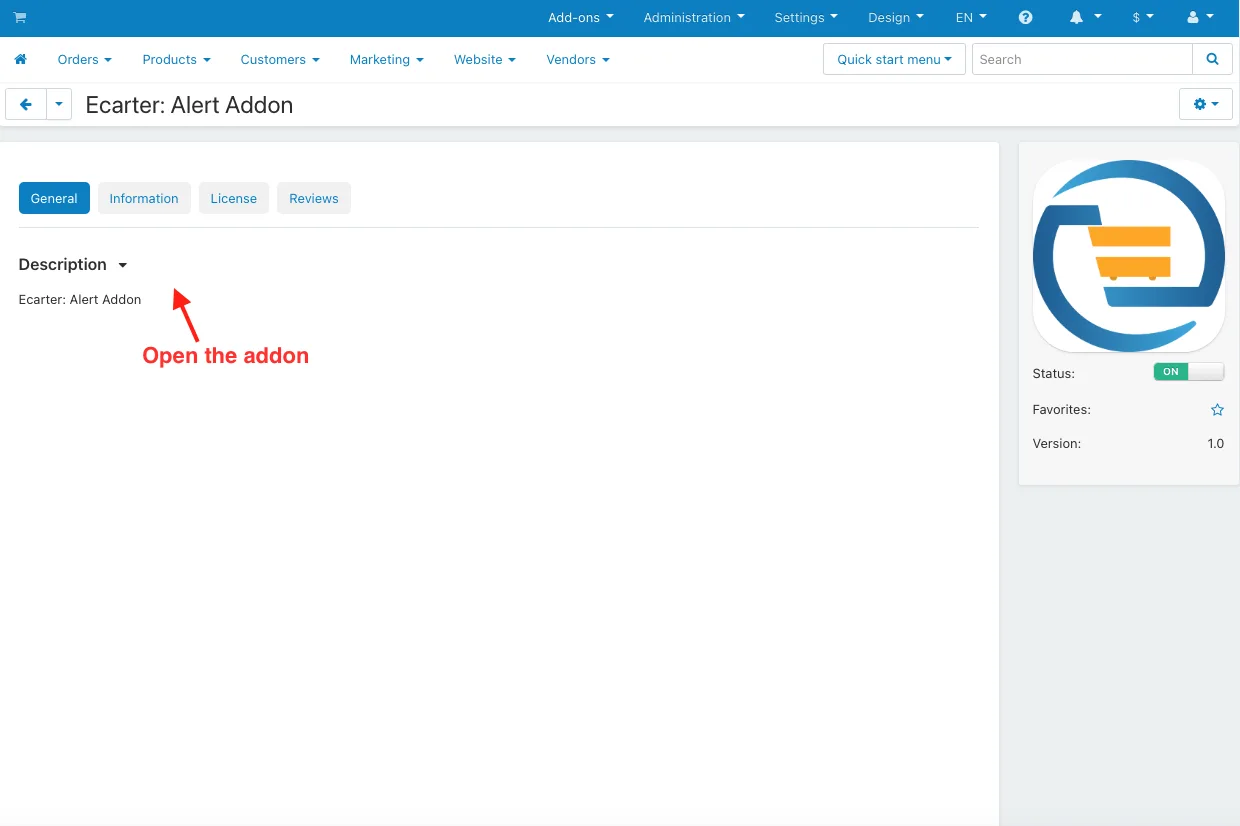
- Open the addon.
- After using this add-on, you can see the appearance of alert notifications in a pop-up window form (applied promotions, updated profiles, orders placed, and more).
Tutorial Video:
Addon-Version:
Version-1.0
Versions:
CS-Cart, CS-Cart Multivendor 4.8.x, 4.9.x,4.10x,4.11x,4.12,4.13x, 4.14x, 4.15x, 4.16x, 4.17x, 4.18x
Support:
This app is developed and published by Ecarter Technologies Pvt. Ltd., a CS-Cart developer. You are guaranteed a quality add-on supported by future versions. If you need help, please contact us via email support@ecarter.co
Need modifications or any assistance? Please, feel free to contact us via email support@ecarter.co
Frequently asked questions
What does the Enhanced Alert Notification add-on change in a CS-Cart store?
It replaces the default CS-Cart notification style with a redesigned pop-up alert view. Customers see clearer notifications for actions such as placing an order, applying a promotion, or updating their profile.
Which events trigger a pop-up alert?
The add-on shows alerts for key actions like order placement, account or profile changes, and applied promotions. Alerts appear in real time whenever a customer takes one of these actions on the store.
Is it compatible with CS-Cart Multi-Vendor and the different editions?
Yes. The add-on integrates with CS-Cart Multi-Vendor and works with the Standard, Plus, and Ultimate versions.
How do I install the add-on?
It follows the standard CS-Cart add-on installation process, documented in the "How to install add-on" guide on the Ecarter store blog. After installation, you enable it and the redesigned notifications appear in place of the default ones.
Kajal is a Technical Content Writer at Ecarter Technologies. She writes technical documentation and in-depth guides on eCommerce platforms, mobile commerce and AI in online retail.