
Customer Profile Image
Customer Profile Image Addon for CS-Cart allows users to easily manage their profile pictures in various platform sections.
The Customer Profile Image add-on for CS-Cart lets customers, administrators, and vendors upload, update, and delete a profile picture directly in the profile section. It solves the gap where CS-Cart profiles have no personal image, and it keeps the storefront and admin panel in sync: any image a customer adds or removes on the storefront is automatically reflected in the admin panel. The add-on accepts common formats including JPG, JPEG, and GIF. It is aimed at store owners running CS-Cart or CS-Cart Multi-Vendor who want simpler, more personalized profile management for all user types.

Customer Profile Image Addon for CS-Cart allows users to easily manage their profile pictures in various platform sections. With this addon, customers, administrators, and vendors can upload, update, and delete their profile image in the profile section. If you upload or delete a profile image in the store, it will automatically update the customer profile in the admin panel as well.
This addon supports common image formats like JPG, JPEG, and GIF, allowing users to easily add a personal profile picture. It makes profile management simple and helps users customize their profile.
Features:
- Upload and Update Profile Image: Customers, administrators, and vendors can easily upload or change their profile picture in the profile section.
- Automatic Update: When the Customer profile image is uploaded or deleted in the storefront. it automatically updates the customer profile in the admin panel as well.
- Supports Common Image Formats: The addon supports popular images like JPG, JPEG, and GIF for easy image management.
- Delete Profile Image: Users can also delete their profile image whenever needed
- Simple Profile Management: Makes managing and customizing profile pictures easy for users.
- CS-Cart Support info: The addon is well integrated with CS-Cart Multi-Vendor and can be used with its standard, Plus, and Ultimate Versions.
Installation:
How to install Addon
https://store.ecarter.co/blogs/how-to-install-addon/
How addon Works
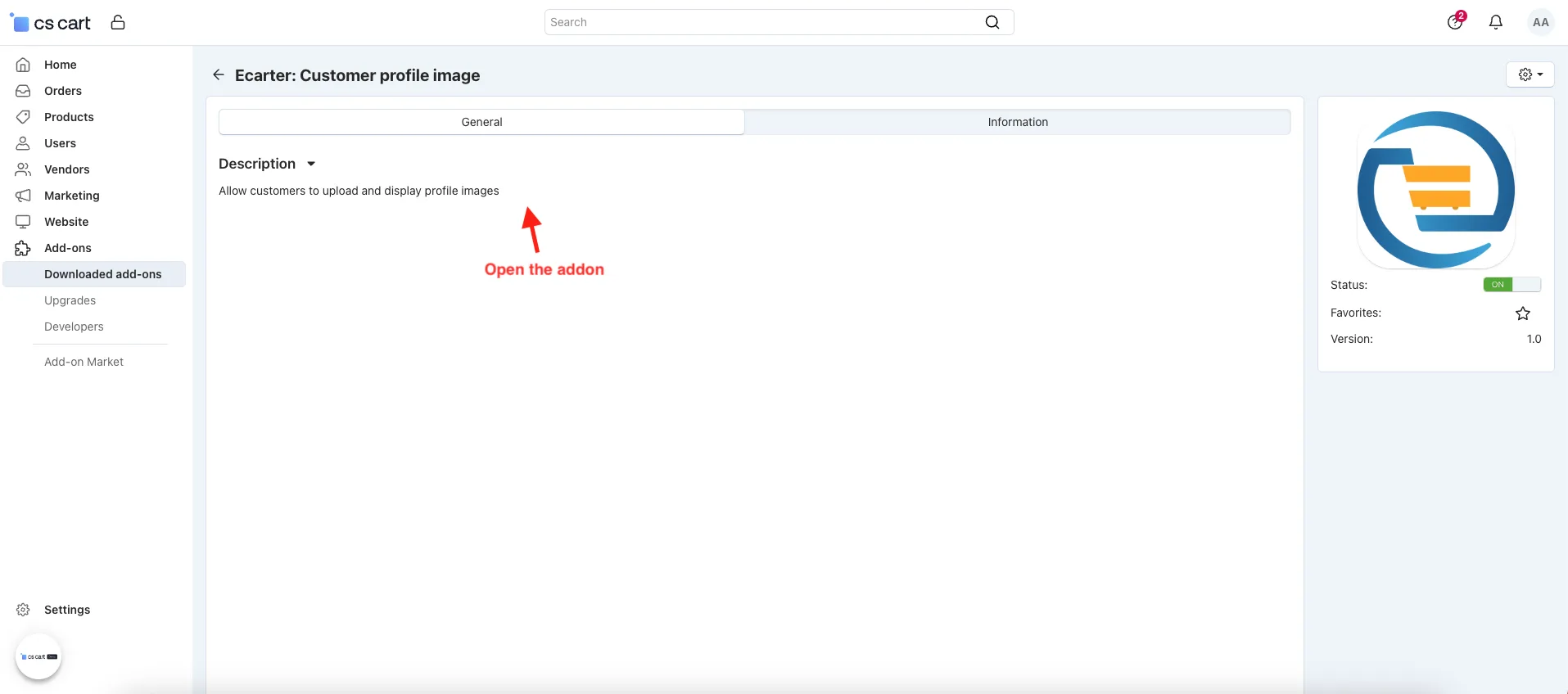
- Open the addon.
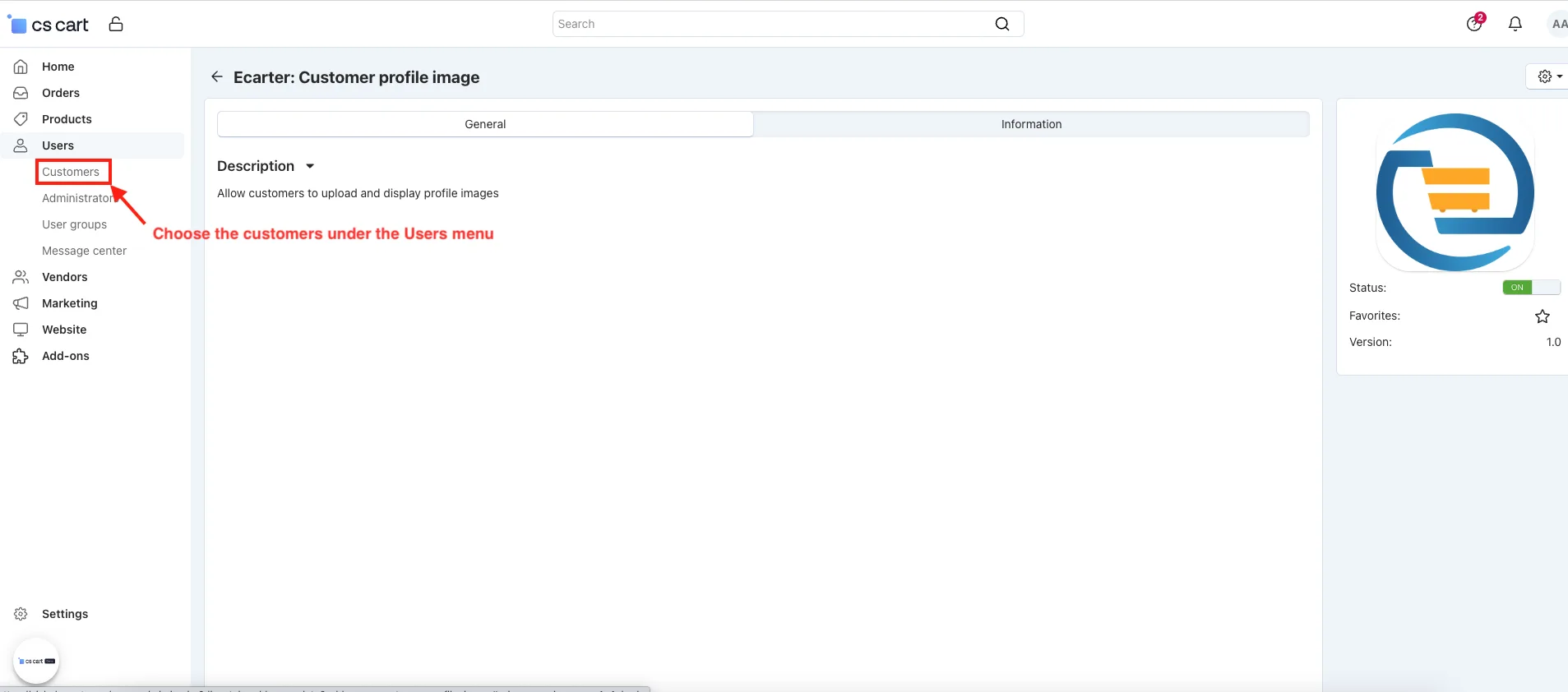
- Choose the Customer.
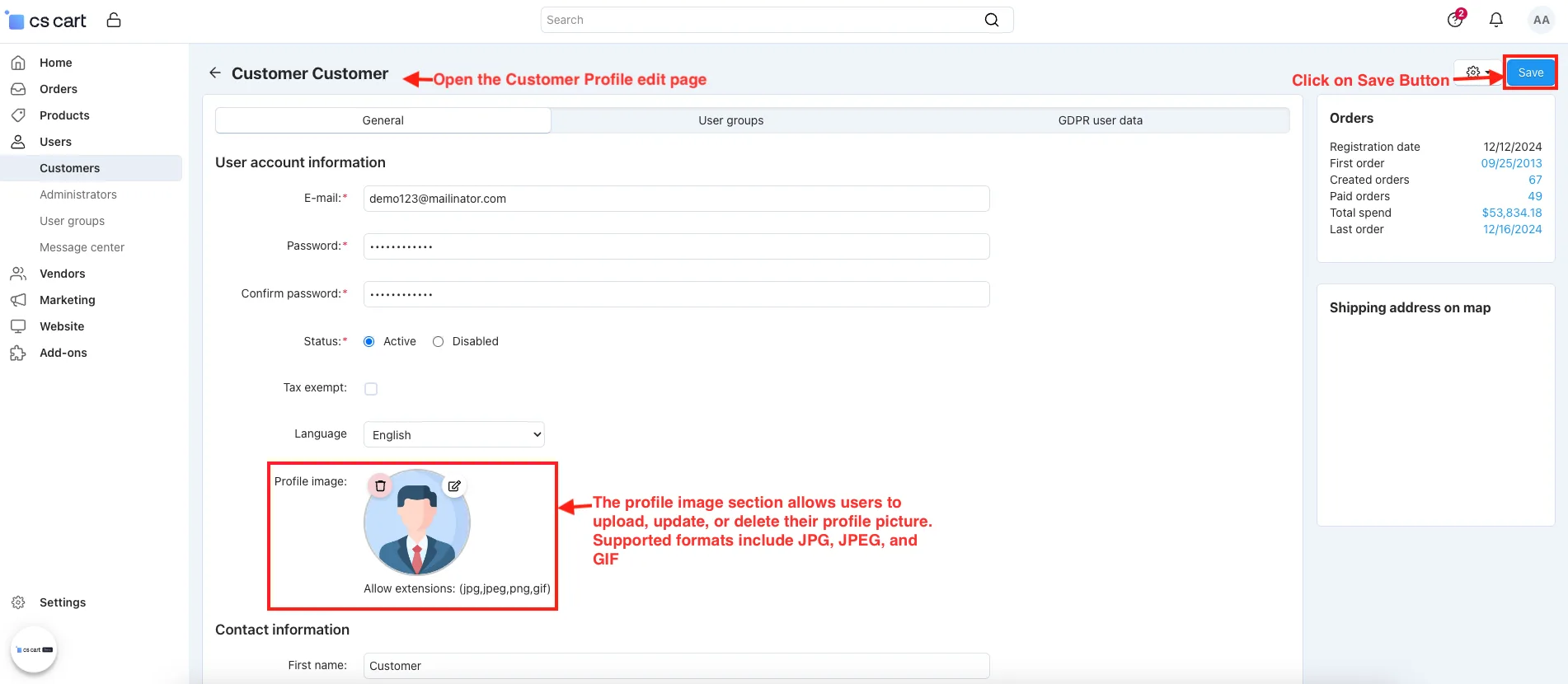
- Open the Customer Profile edit page.
- Profile image: The profile image section allows users to upload, update, or delete their profile picture. Supported formats include JPG, JPEG, and GIF.
- Click on the Save button.
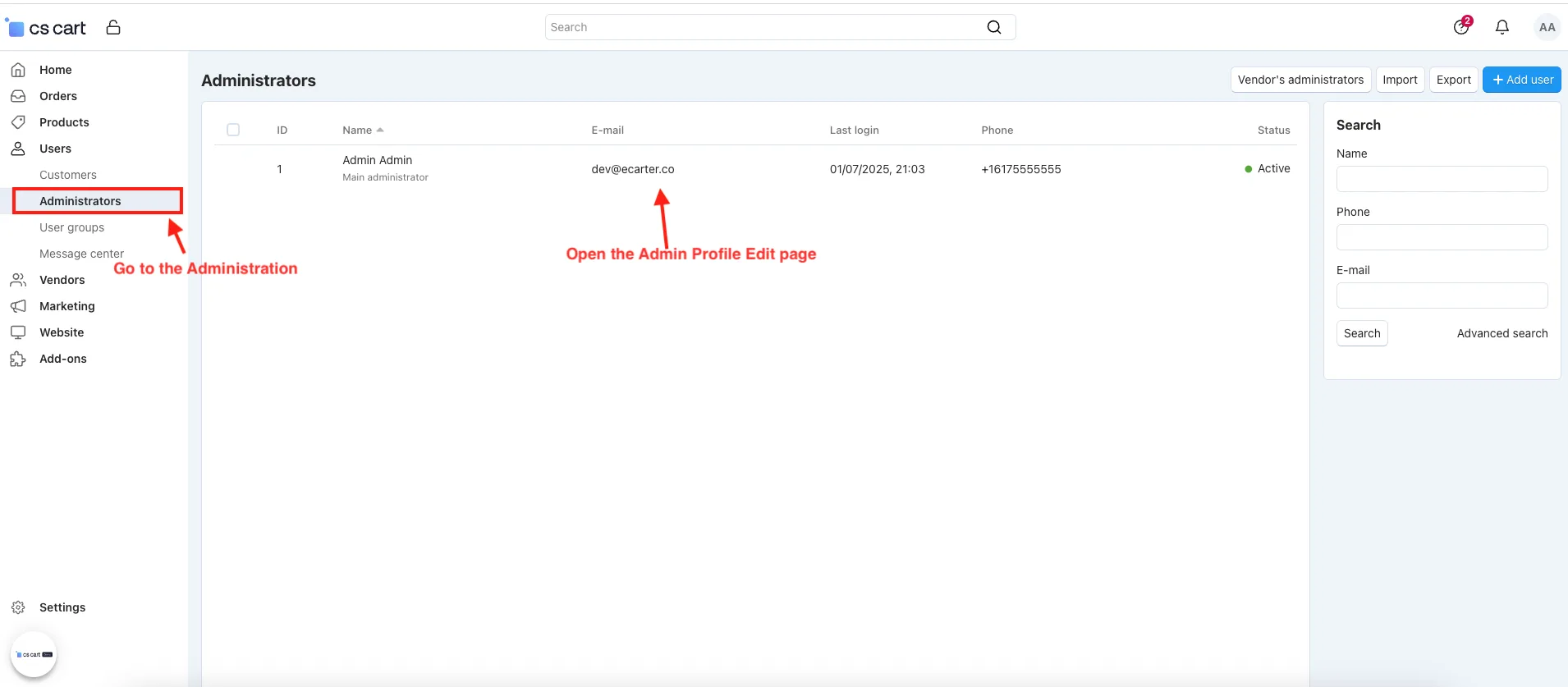
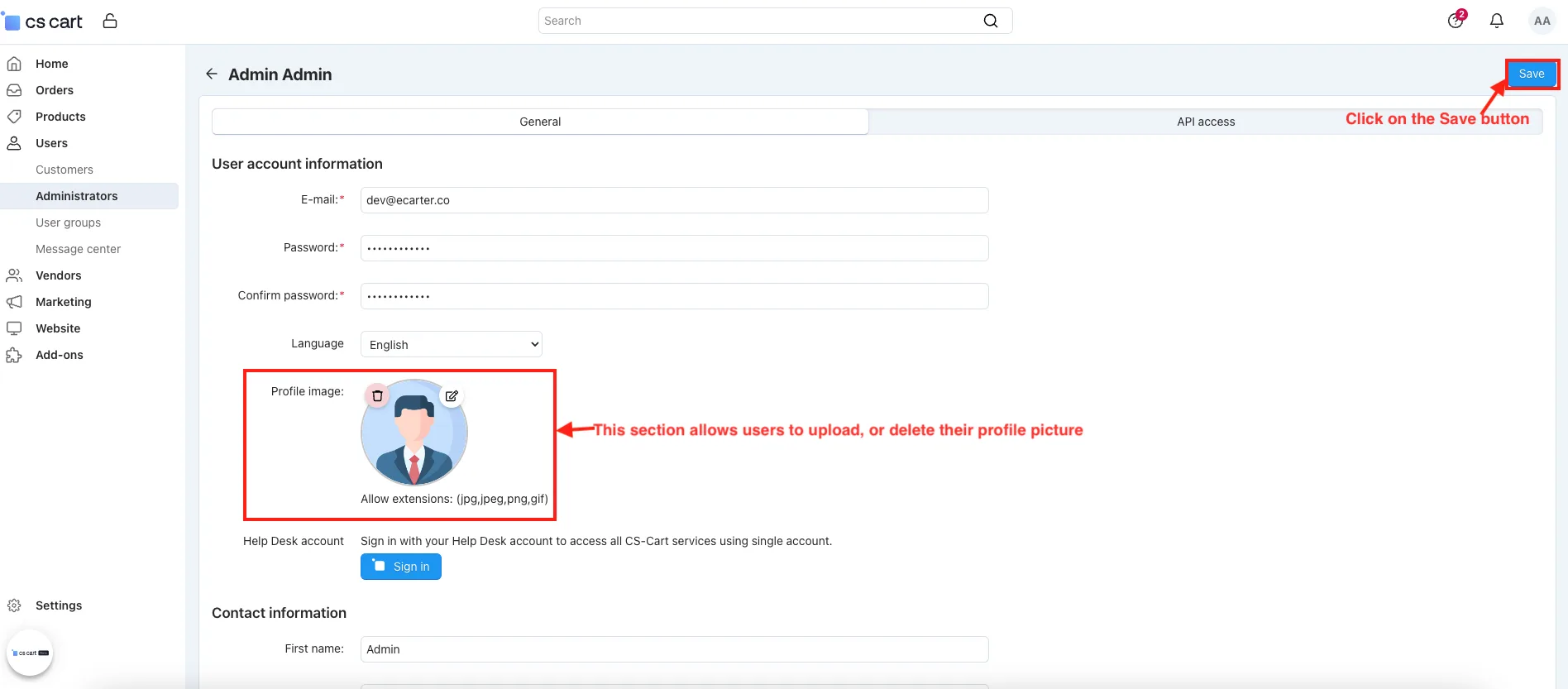
- Go to the Administration.
- Open the Admin Profile Edit page.
- Profile image: This section allows users to upload, or delete their profile picture.
- Click on the Save button.
- Go to the Storefront.
- Click on the customer profile.
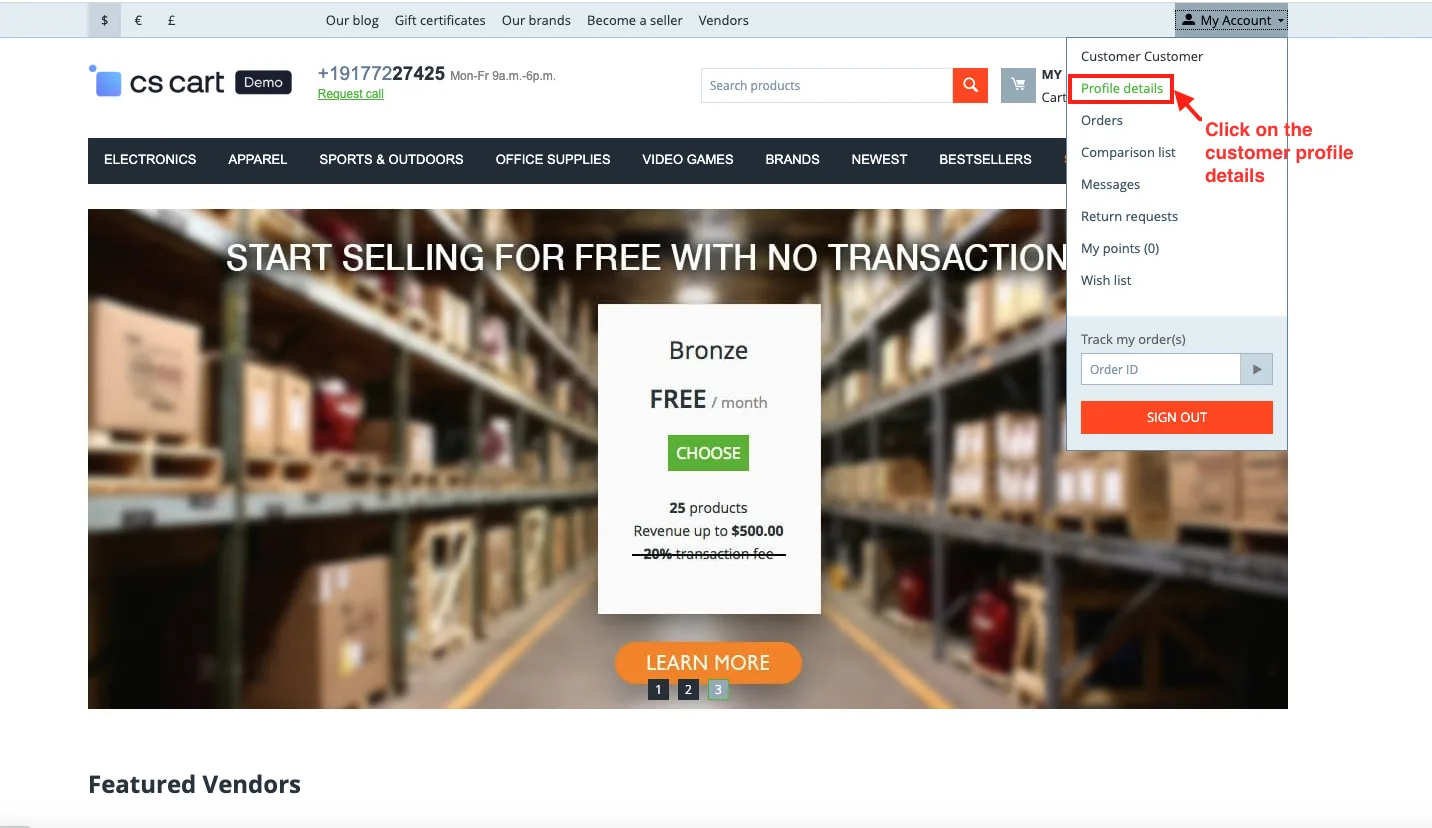
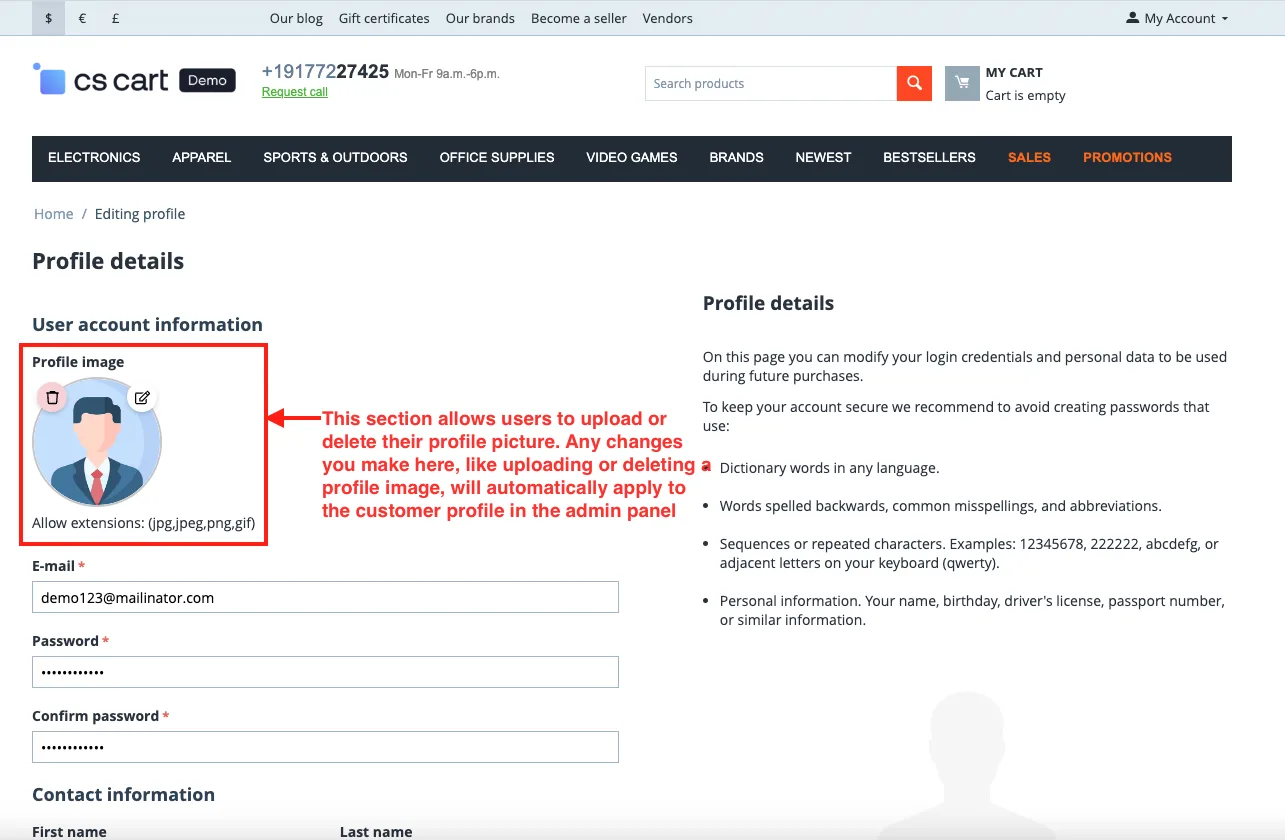
- Open the customer profile edit page.
- Profile image: This section allows users to upload or delete their profile picture. Any changes you make here, like uploading or deleting a profile image, will automatically apply to the customer profile in the admin panel.
- Click on the Save button.
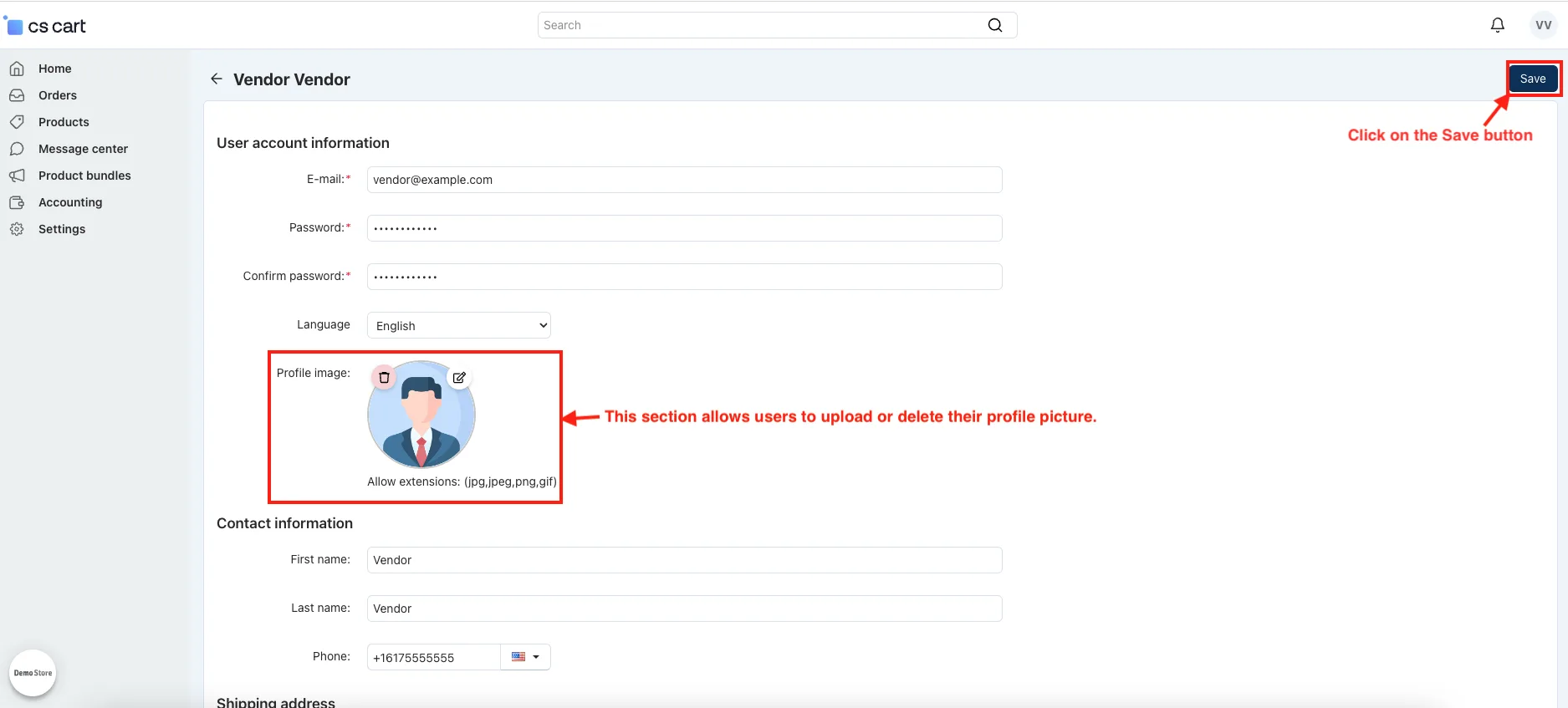
- Go to the vendor panel.
- Open the vendor profile.
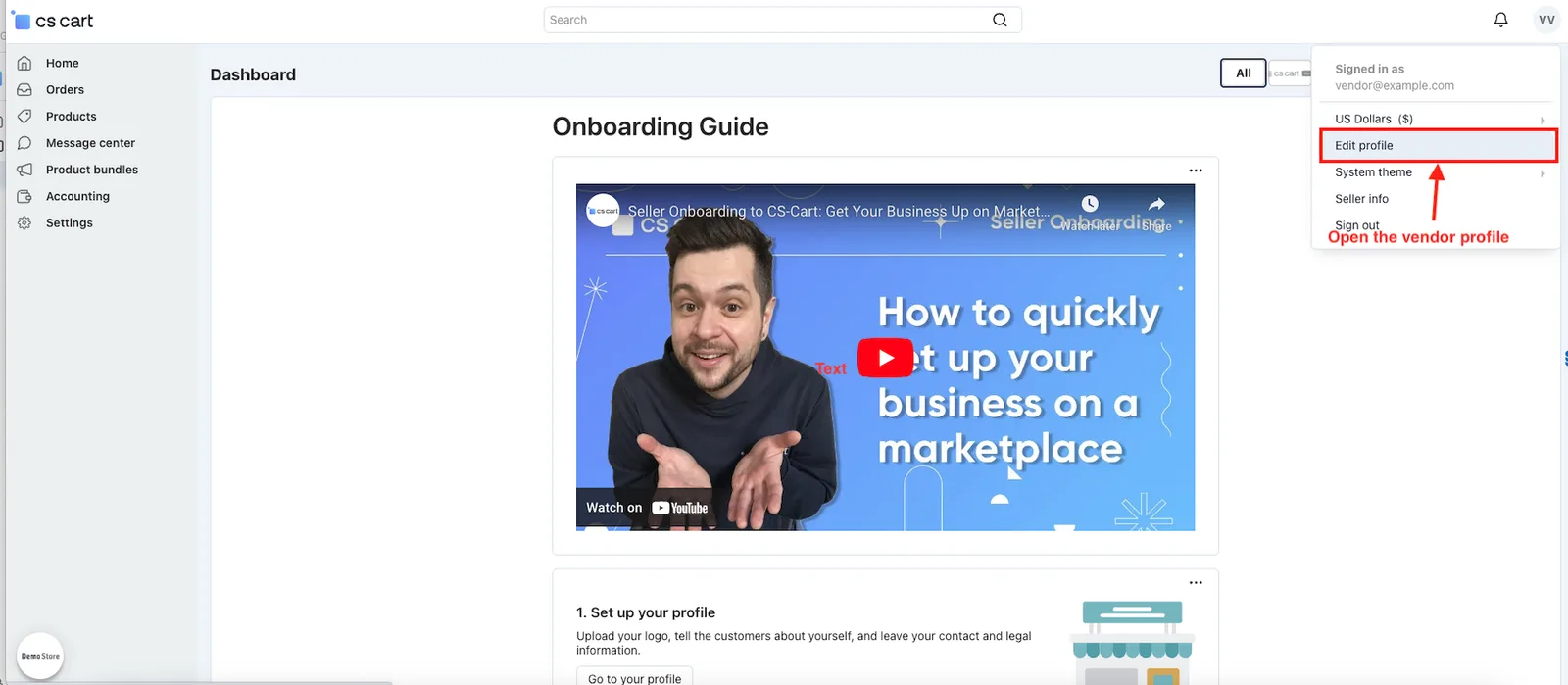
- Profile image: This section allows users to upload or delete their profile picture.
- Click on the Save Button.
Addon-Version:
Version-1.0
Supported Versions:
CS-Cart, CS-Cart Multivendor 4.8.x, 4.9.x,4.10x,4.11x,4.12,4.13x, 4.14x, 4.15x, 4.16x, 4.17x, 4.18x
Support:
This app is developed and published by Ecarter Technologies Pvt. Ltd., a CS-Cart developer. You are guaranteed quality add-ons.
Frequently asked questions
Who can upload a profile image with this add-on?
Customers, administrators, and vendors can all upload, change, or delete their profile picture from the profile section. This covers every main user type in the store.
Do storefront profile image changes appear in the admin panel?
Yes. When a customer uploads or deletes a profile image on the storefront, the change automatically updates that customer's profile in the admin panel, so both sides stay in sync.
Which image formats does the add-on support?
It supports common formats including JPG, JPEG, and GIF, so users can add a personal profile picture using standard image files.
Is it compatible with CS-Cart Multi-Vendor and which editions?
The add-on is integrated with CS-Cart Multi-Vendor and works with its Standard, Plus, and Ultimate versions. If you are on a specific version, share it and we can confirm compatibility.
Nisha Gaur is a Technical Content Writer at Ecarter Technologies. She writes technical documentation, tutorials and buying guides covering CS-Cart, Magento, Shopify and eCommerce development.